
Getting Started
Installation
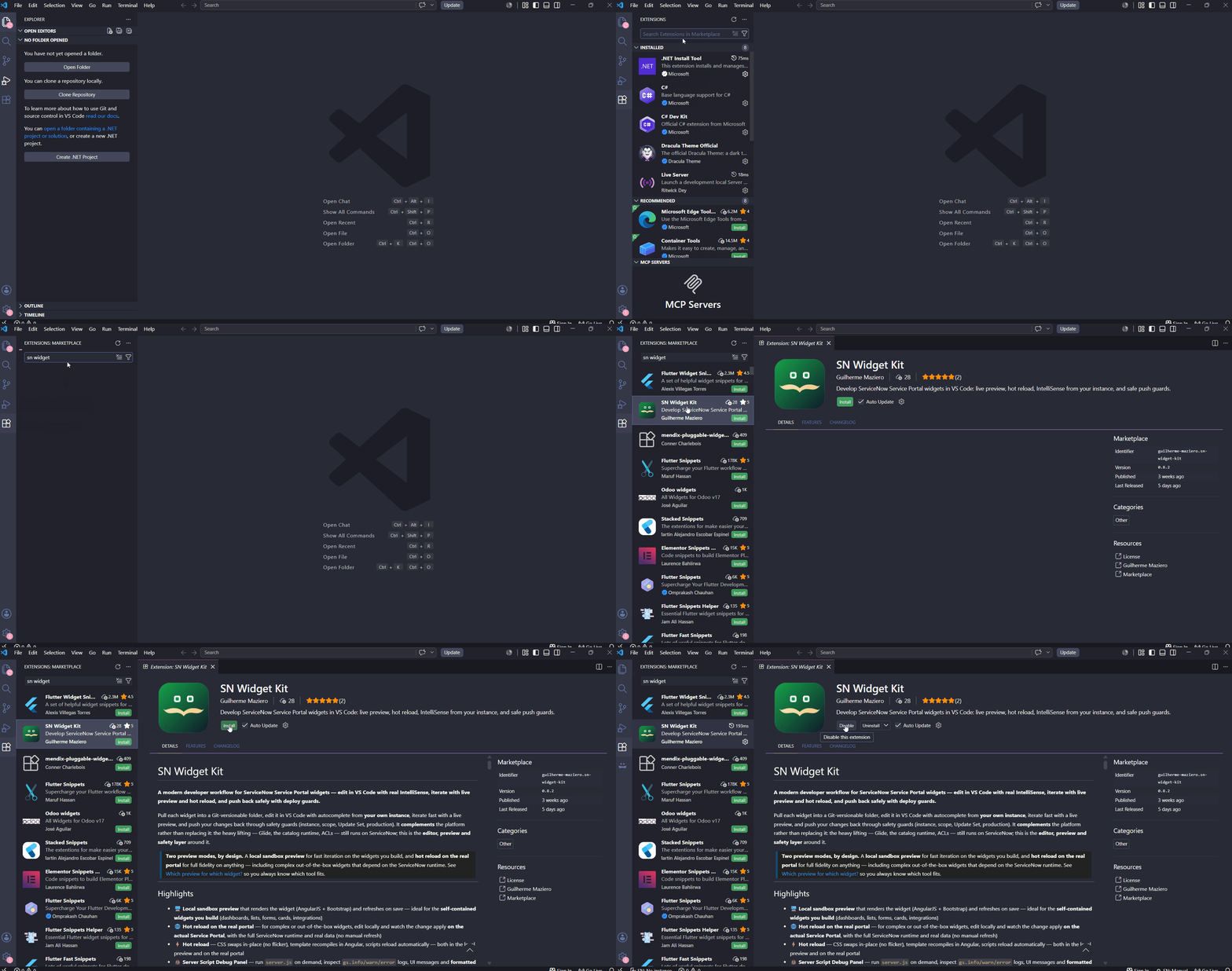
Install the extension from the VS Code Marketplace in three clicks.
- In VS Code, open the Extensions tab (
Ctrl/Cmd+Shift+X) - Search for SN Widget Kit
- Click Install
Then open your widget project folder and run SN Widget: Login to Instance from the Command Palette (Ctrl/Cmd+Shift+P).
IntelliSense installs itself
When you open a workspace that contains widgets, the extension generates type files under
.sn-widget-kit-types/ and wires up jsconfig.json automatically. No manual setup — see IntelliSense.