
Server & Debug
Offline development
Develop with no instance connection at all — feed data via a per-widget fixtures.json, or snapshot real data once.
To iterate with no instance connection, drop a fixtures.json in the widget folder and turn on snWidgetKit.offlineMode:
// widgets/<id>/fixtures.json — keyed by table name
{
  "sc_request": [
    { "sys_id": "1", "number": "REQ0010001", "active": "true", "sys_created_on": "2026-05-20 10:00:00" }
  ],
  "sc_req_item": [
    { "sys_id": "a", "request": "1", "short_description": "Adobe Creative Cloud" }
  ]
}
new GlideRecord('sc_request') then iterates these records offline. In offline mode the preview never calls the instance.
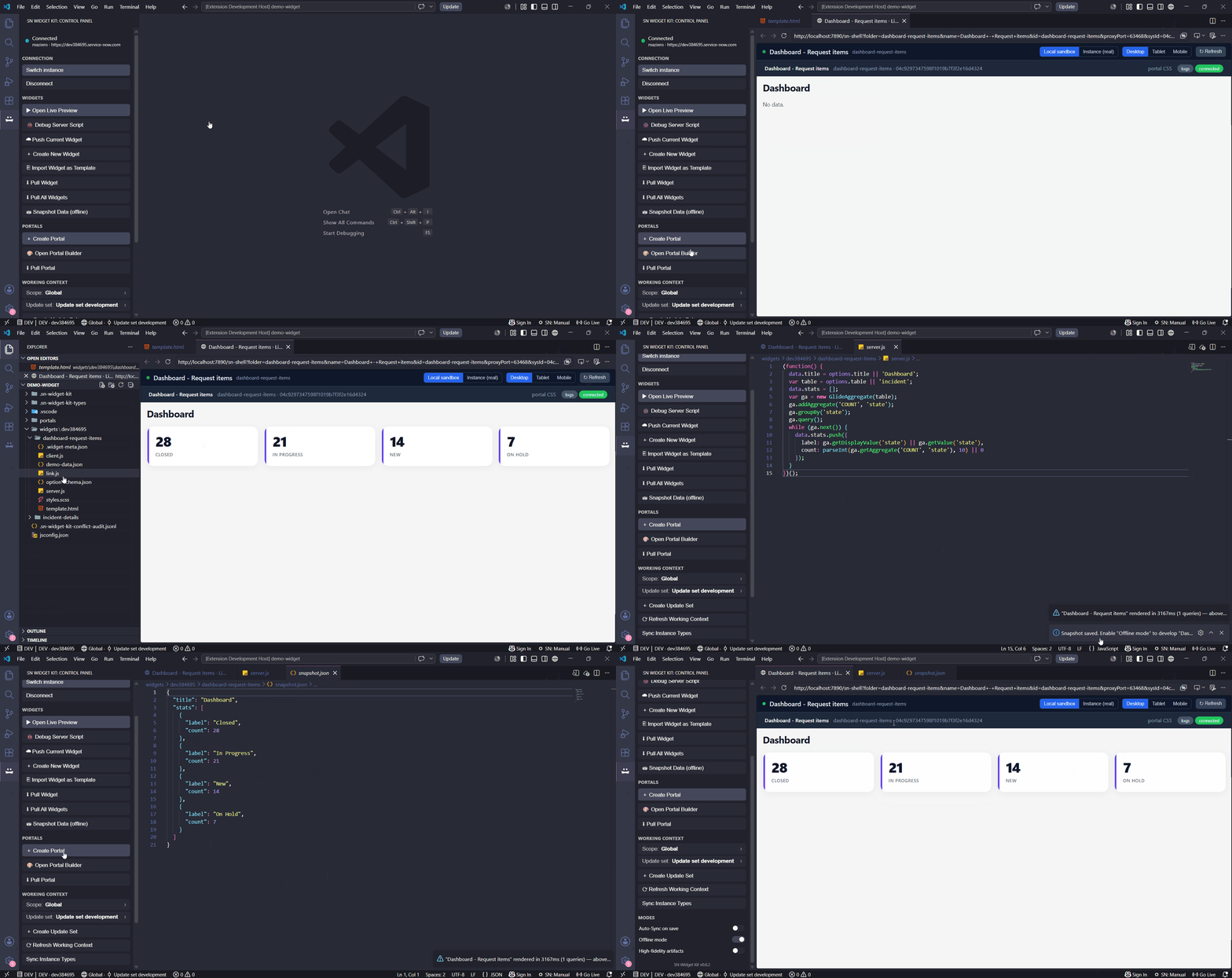
Even easier — Snapshot
While logged in, run
SN Widget: Snapshot Widget Data. It executes server.js live and saves the resulting data to snapshot.json. With Offline mode on, the preview renders straight from that snapshot (real data, zero instance calls) — no need to hand-write fixtures.How the preview chooses its data source
- Logged in, online —
GlideRecord/GlideAggregaterun real queries via the Table API. - Offline mode on — data comes from
snapshot.json(if present) orfixtures.json/demo-data.json; the instance is never called.
Related runtime details
The full list of emulated server- and client-side APIs lives in server.js running locally.