
Server & Debug
Server Script Debug Panel
Run the active widget's server.js on demand and see logs, UI messages, errors, timing and a query profile — re-runs use your unsaved edits.
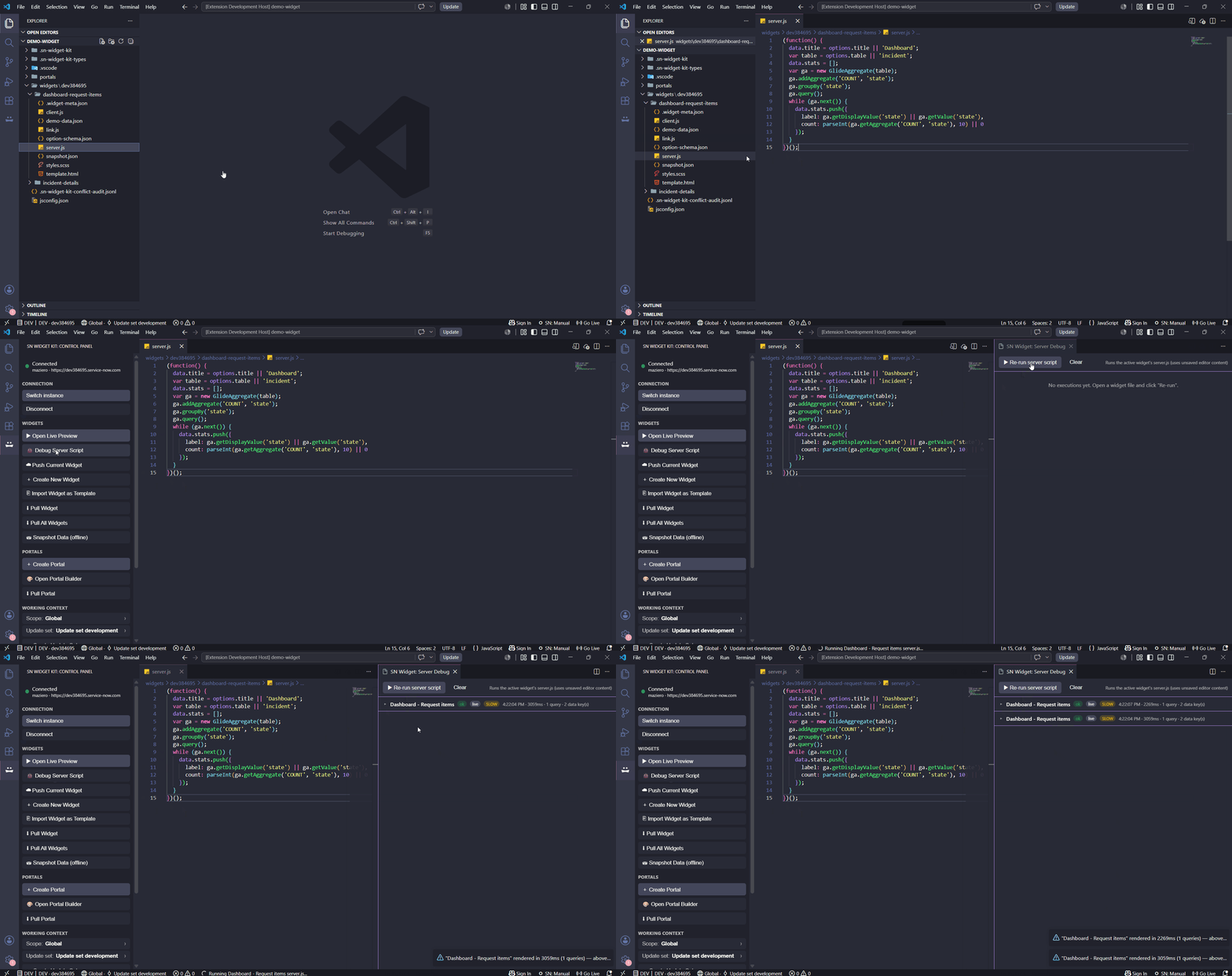
SN Widget: Debug Server Script (or the 🐞 button in the Control Panel, or the editor right-click menu) opens a dedicated panel that runs the active widget's server.js and shows, for each run:
- Logs —
gs.info / warn / error / log, color-coded by level - UI messages —
gs.addInfoMessage / addErrorMessage - Errors — message and a formatted stack trace
- Metrics — execution time, query count and number of
datakeys produced, plus a live/offline badge - Queries (Performance Profiler) — an expandable list of every
GlideRecord/GlideAggregateoperation: table, operation (query/get/aggregate/dot-walk), time in ms and rows returned, sorted slowest-first — so you can spot the table that's costing you
It keeps a history of the last 20 executions (newest first; runs with errors expand automatically). The "Re-run server script" button re-executes immediately using the current editor content — no save required, so you can iterate on server logic and watch the output without touching the live preview.
Slow-render alert
When a render takes longer than snWidgetKit.perfAlertThresholdMs (default 1000 ms; 0 disables), the run gets a SLOW badge and a warning toast appears (e.g. "rendered in 1240ms (37 queries) — above your 1000ms threshold"). It fires only on the manual Debug Server Script and Snapshot Widget Data runs — the live preview is never instrumented or interrupted.
fixtures.json) with your real options, user and messages. See Offline development.