
Previews
Which preview for which widget?
One command gives you both modes — this page tells you which to lean on for a given widget.
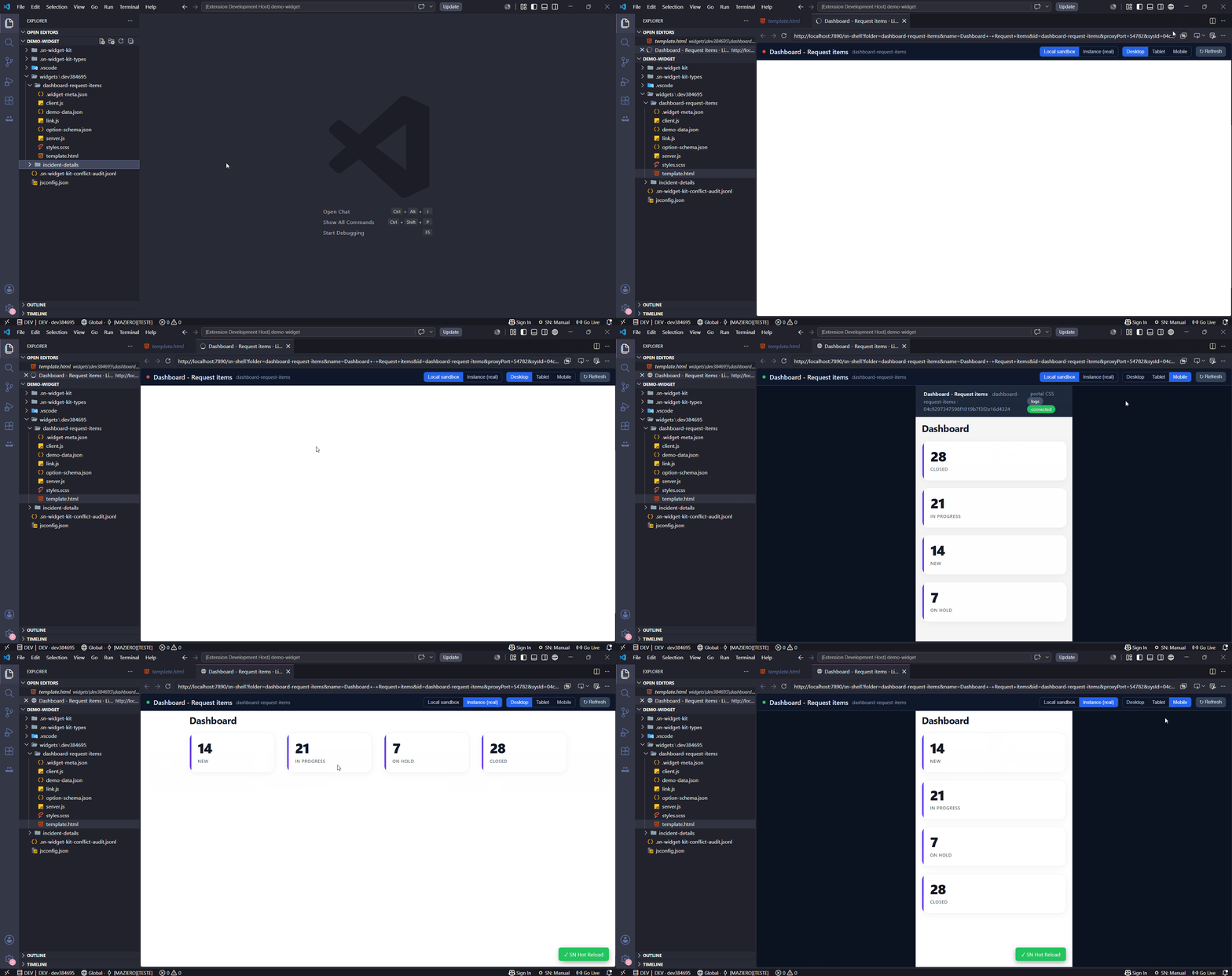
Open Live Preview gives you both modes in one command — when you're connected to an instance it shows the real portal with an Instance ↔ Local toggle, and offline it shows the local sandbox. The local sandbox runs your widget faithfully — it executes server.js against a Node emulation of the Glide API and renders the client side in AngularJS, covering the large majority of widgets you build. It does not reproduce the entire ServiceNow front-end runtime, so a few platform-coupled widgets render fully only on the real portal.
| Your widget… | Best preview | Why |
|---|---|---|
| Is self-contained — its own template/client/server, reads data via GlideRecord / Script Includes | 🖥️ Local sandbox preview | Fast, offline-capable, hot-reloads on save |
| Embeds other widgets — <sp-widget id="..."> or <sp-widget widget="data.x"> | 🌐 Real portal | Embedded widgets show as a labeled placeholder in the local sandbox; the ServiceNow engine resolves and renders them on the portal |
| Depends on out-of-the-box portal directives — <sp-model>, <sp-variable-layout>, attachments, the Service Catalog form | 🌐 Real portal | Those directives are the portal runtime, not the widget |
This is by design, not a gap: no tool renders a runtime-coupled ServiceNow widget outside ServiceNow. The extension gives you the right surface for each case.